 Monk Zone
Step 1
Your distracting apps stay locked
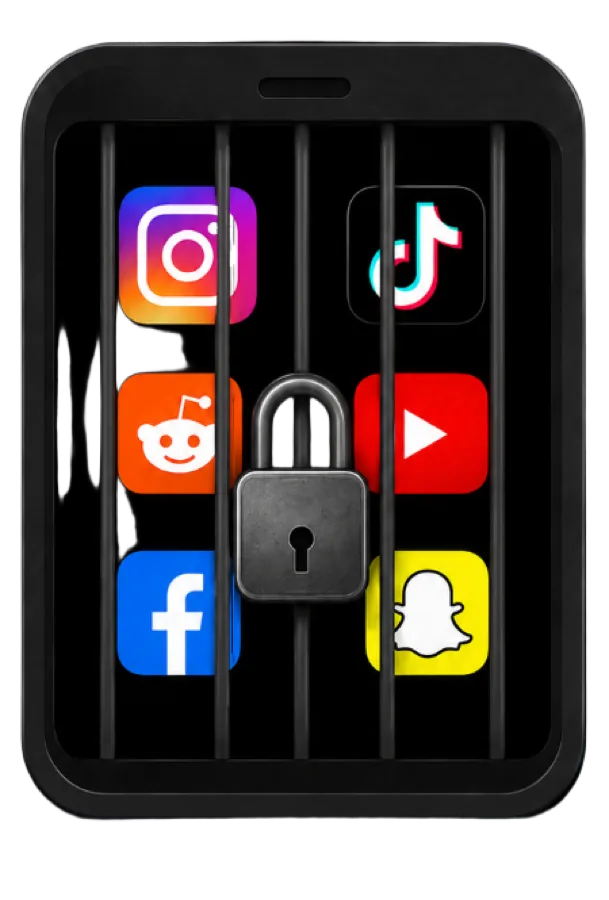
Instagram, TikTok, X and more stay locked until you earn time.
Build habits. Unlock screen time.
Monk Zone keeps Instagram, TikTok, and other distracting apps locked until you do real habits, earn Monk Coins, and spend them to unlock screen time you actually earned.

The problem
Your favorite apps are built to pull you back in. Deleting them, using blockers, or telling yourself to stop only says what not to do. Monk Zone gives you something better to do instead.
How Monk Zone works
Monk Zone turns screen time into habit time. Less mindless scrolling. More of the things you actually want to do.
Step 1
Instagram, TikTok, X and more stay locked until you earn time.
Step 2
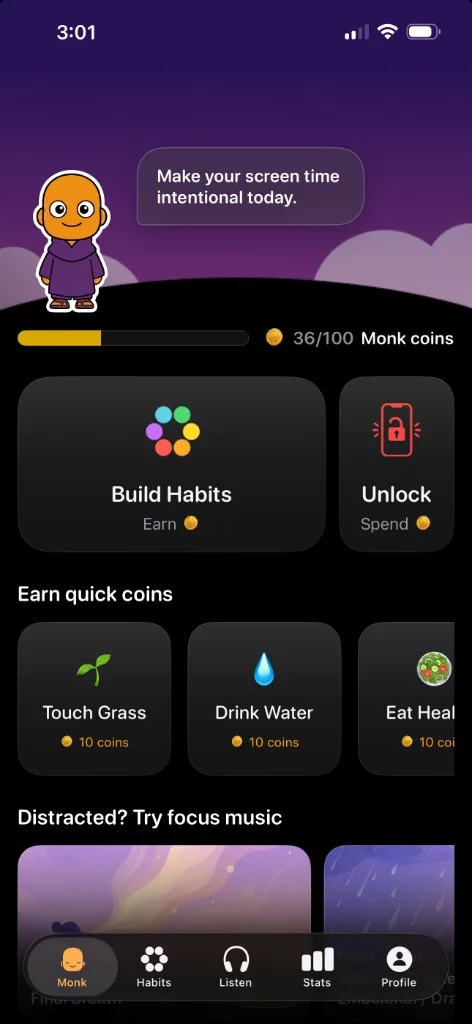
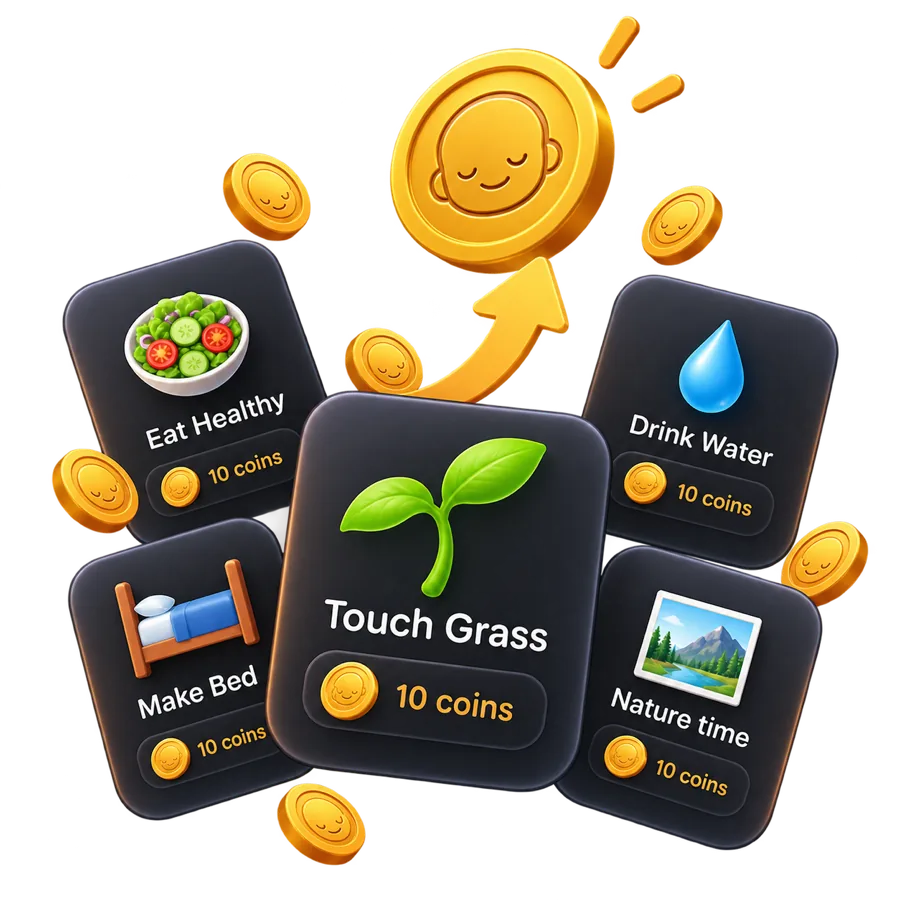
Walk, meditate, work out — real habits fill your wallet up to 100 coins.
Step 3
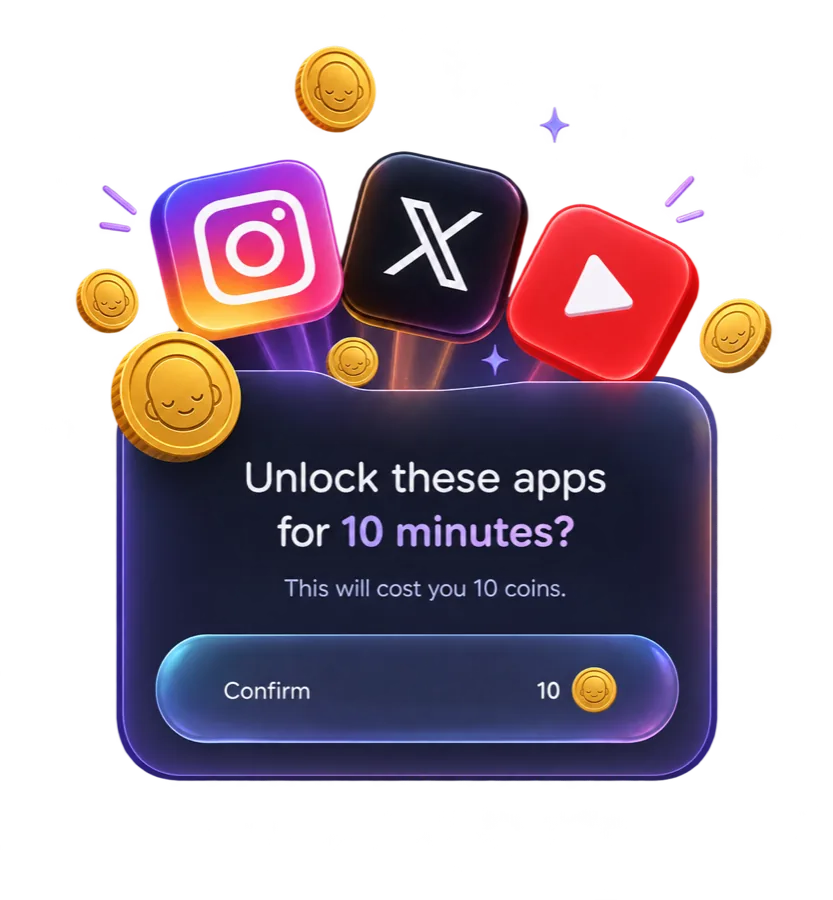
Pick 1 to 15 minutes and hold to unlock. One coin equals one minute. You earned it.
Listen
Calm your mind, focus better, or wind down for sleep. Listen is there when you want the phone — but not the feed.
Start with Monk Zone
Why people stay
Monk is built by a small team at Monk AI Labs to help people spend less time on their phones and more on what matters. Give it four weeks. You will feel the difference.
FAQ
Simple answers about coins, unlocks, and how Monk Zone works.
Monk Zone is an iPhone and Android app that keeps distracting apps locked until you do real habits, earn Monk Coins, and spend them to unlock screen time.
Monk Zone keeps the apps you pick locked. You earn Monk Coins by doing habits, then spend those coins to unlock apps for 1 to 15 minutes at a time — so scrolling is something you choose, not a reflex.
Monk Coins are what you earn by doing habits and Quick Coins like Touch Grass or Drink Water. Spend them to unlock distracting apps. One coin equals one minute. You can hold up to 100 coins, and they stay with you from day to day.
Yes. You do not have to delete social apps. Monk leaves them on your phone and keeps them locked until you earn time — so you can still use them, with intention, not impulse.
No. Free plan is available. A subscription is required to use Monk Pro. Start with a free trial on the App Store or Google Play and cancel anytime.
Monk Zone is available on iPhone and Android. During setup you choose which apps to lock on your device.
Lock the distracting apps. Earn Monk Coins. Unlock the scroll.